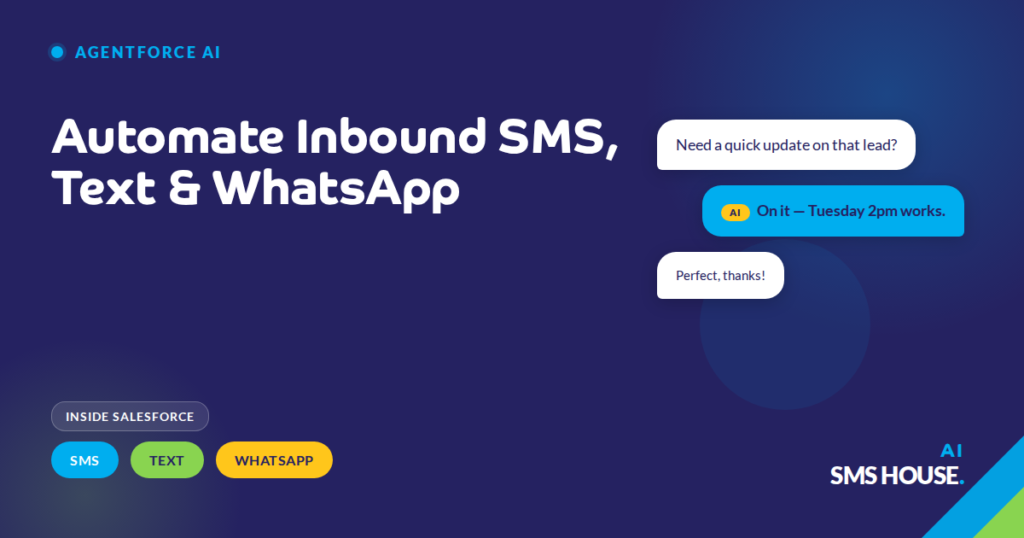
Automate Inbound SMS, Text & WhatsApp with Agentforce in Salesforce

January 19, 2026
Your support team opens Monday morning to 90 unread messages. Your Agentforce AI agent already handled 67 of them over the weekend, status updates, rescheduling, basic questions. Your team reads the 23 that actually need a human, over coffee.

Why inbound automation beats a scripted auto-reply

Your standard Salesforce auto-reply says “we’ll get back to you within 24 hours.” That’s not automation, that’s a holding message. Your customer still waits. Your rep still has to read and reply. You’ve automated nothing except the apology.

Your real inbound automation answers the question. Your Agentforce AI agent reads the inbound SMS, text or WhatsApp, finds the right Salesforce record, pulls the live data, and sends a specific reply. The customer gets their answer. Your rep never sees the message unless it needs them.

Triggering from record activity, not just inbound

Your Agentforce AI agent doesn’t only respond to inbound messages. It also triggers from Salesforce record activity. A new Case is created, the AI sends a confirmation SMS. A Lead’s status changes to Qualified, the AI sends a WhatsApp with the next-step link. An Opportunity stage moves to Closed Won, the AI sends a welcome text and creates a follow-up Task.

You chain these triggers to your existing Salesforce Flow and Apex Trigger automation. Your AI is one more tool in the automation stack, not a separate system to maintain.

Three channels, one automation logic

Your customer base splits across SMS, text and WhatsApp. Some prefer SMS for transactional updates, some use WhatsApp for anything conversational, some text from iMessage without thinking about it. Your Agentforce AI agent handles all three channels from the same configuration.

You don’t write three sets of automation rules. You write one, and the AI picks the right channel based on where the conversation started or what the Salesforce record prefers.

Configuration patterns that actually work

You’ll find a few automation shapes your team can deploy quickly that deliver quickly for most teams:

  • Acknowledge and route, AI confirms the message, classifies it, creates a Salesforce Case, and tells the customer when to expect follow-up
  • Answer from knowledge, AI searches your Salesforce Knowledge articles and replies with the relevant answer, citing the source
  • Qualify and book, AI asks three qualification questions, scores the Lead, and books a calendar slot for a human adviser
  • Chase and update, AI sends scheduled SMS/text/WhatsApp reminders for documents, payments or appointments and updates the Salesforce record when the reply comes in

You pick the pattern that fits your highest-volume inbound message type. You roll it out. You measure your deflection rate. You move to the next pattern.

What you keep in your control

Your automation works because the rules are explicit and visible. Your admin configures which Salesforce objects the AI can read and write. Your security team sees the API key governance. Your compliance team audits every automated send against the Salesforce record. Your reps see AI-generated messages in the same Inbox they use for their own, with the sender stamp showing “Agentforce AI Agent” on every one.

Your automation doesn’t mean losing control. Your automation means delegating the boring 80% so your team gets their afternoons back.